QR Code Surveys
Make a survey with a QR code that people answer on the phone already in their hand
Customer Surveys
Ask your users what they think about your product at the right moment, when they actually want to share feedback
NPS Survey
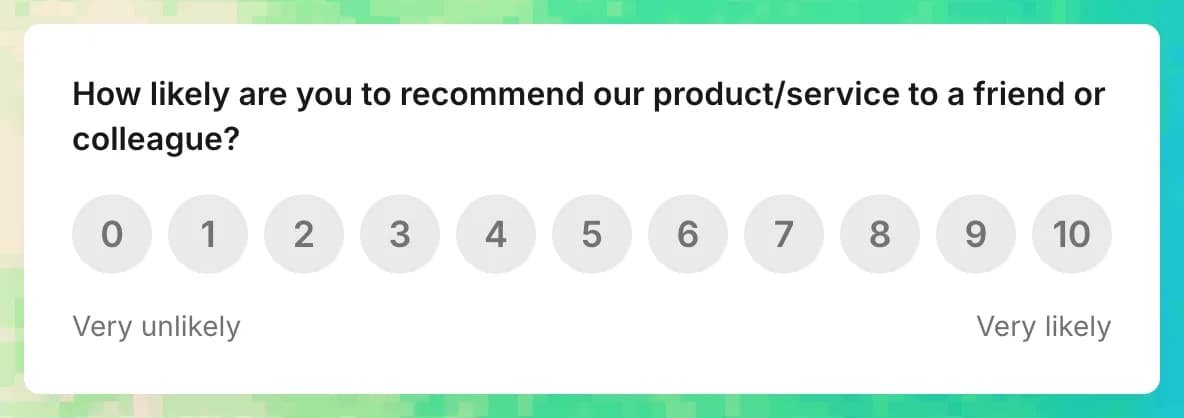
Learn moreAsk users if they'd recommend your product.
Understand the reasons behind user loyalty and word-of-mouth growth.
Customer Satisfaction Survey
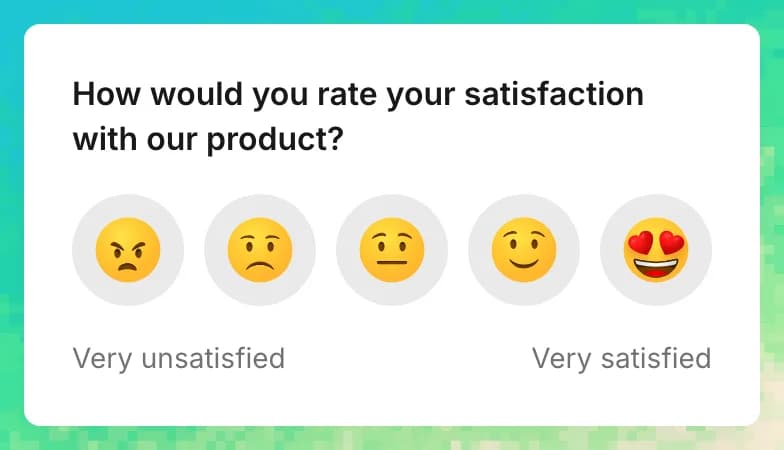
Learn moreAsk users about their overall satisfaction.
Find out what users love most about your product and what needs improvement.
Customer Effort Survey
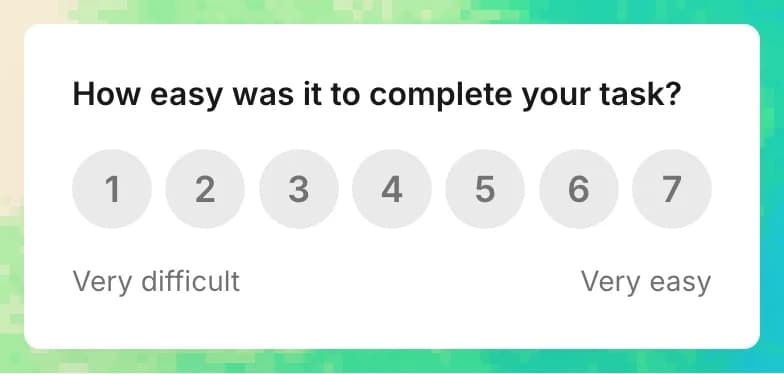
Learn moreAsk users how easy it is to use your product.
Identify barriers and simplify their experience.
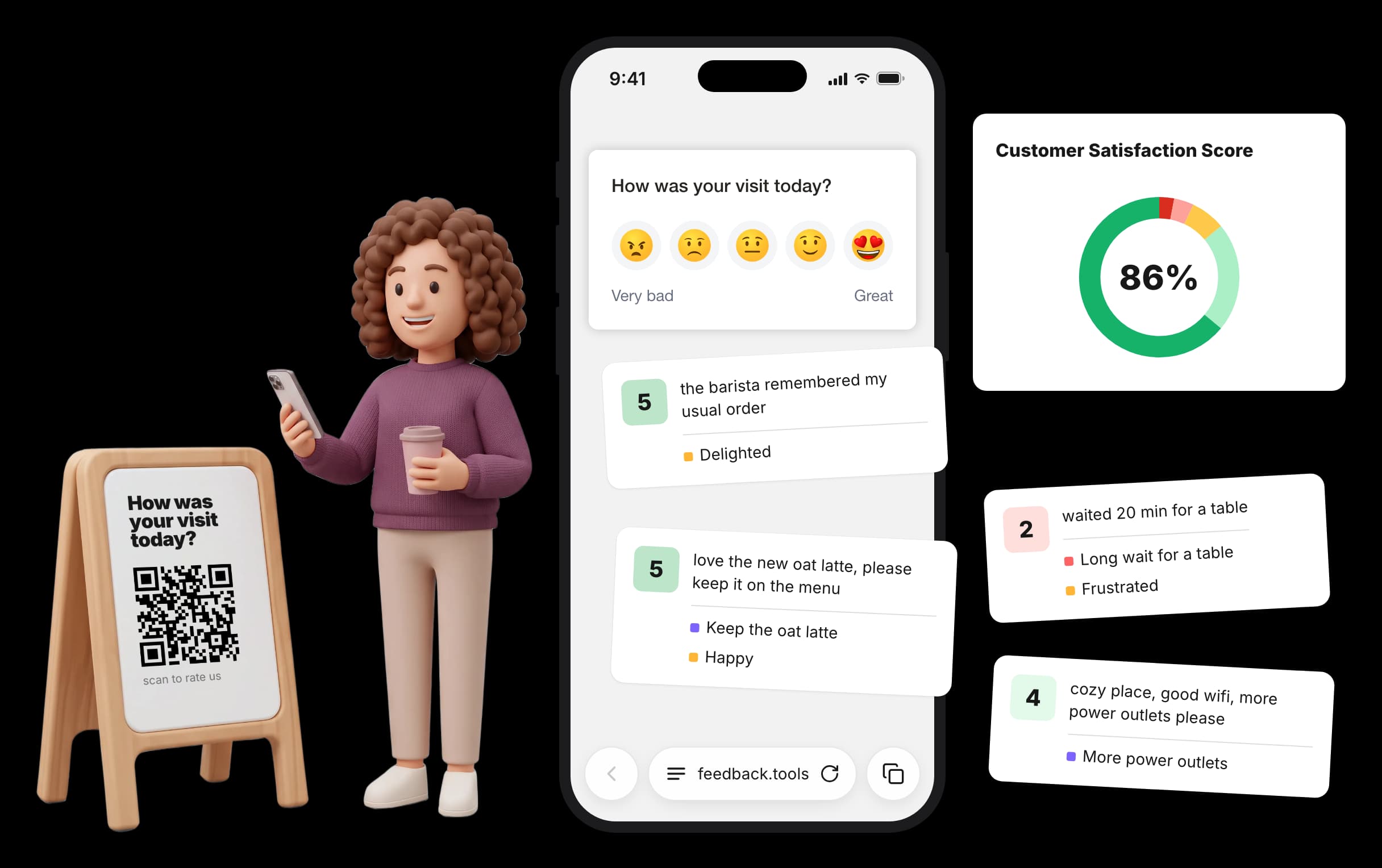
The phone is already in their hand, so the answer is one scan awayOn your phone? Open the demo survey
scan to try it
Works in any phone browser
Scanning the code opens a plain mobile page with only the survey on it. People answer in the phone browser, without signing in. Add translations, and each visitor sees the survey in the language of their phone.
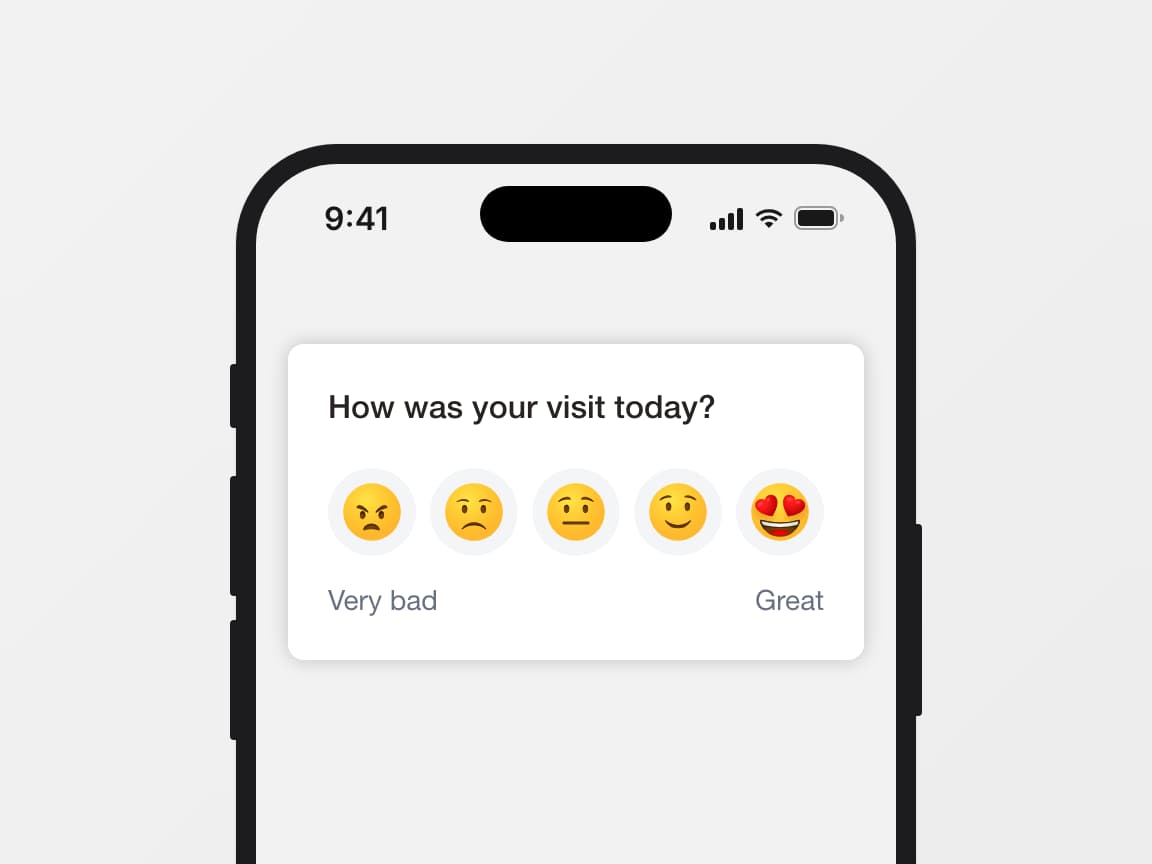
Pick the survey type by goal. Use CSAT to check how satisfied people are with one thing, like an order or a visit, with a 1 to 5 rating or a yes/no. Use NPS to find out if they would recommend you, on a 0 to 10 scale. Use an open question when you want their comments in a text field.
- CSAT, NPS or an open question
- Emoji, stars, numbers or thumbs, depending on the type
- One code serves every language you add
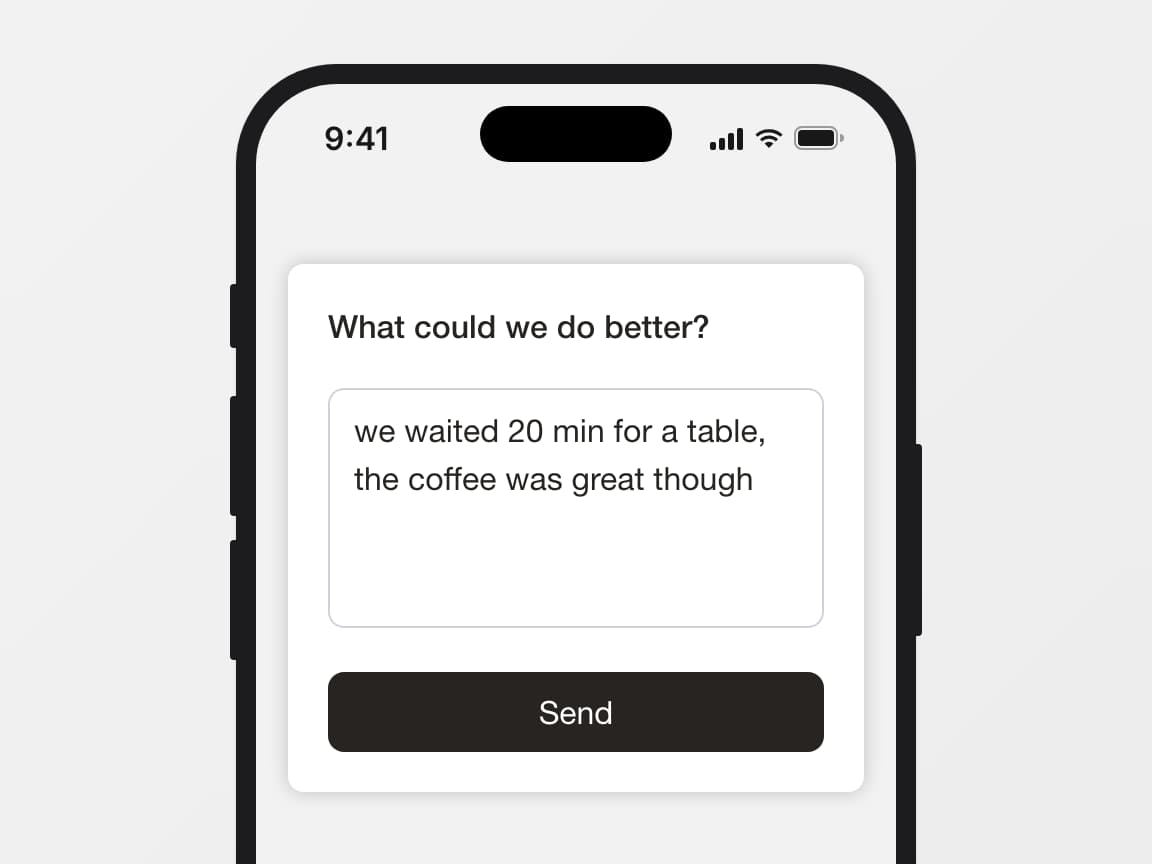
One tap, then the why
A score on its own does not tell you what to fix. After the rating, the survey shows one follow-up question with a free-text field, and people type the reason in their own words.
- Edit the question to fit where the code hangs: a table, a parcel, a receipt
- People can skip the question and still leave the rating
- Each comment is saved next to its score
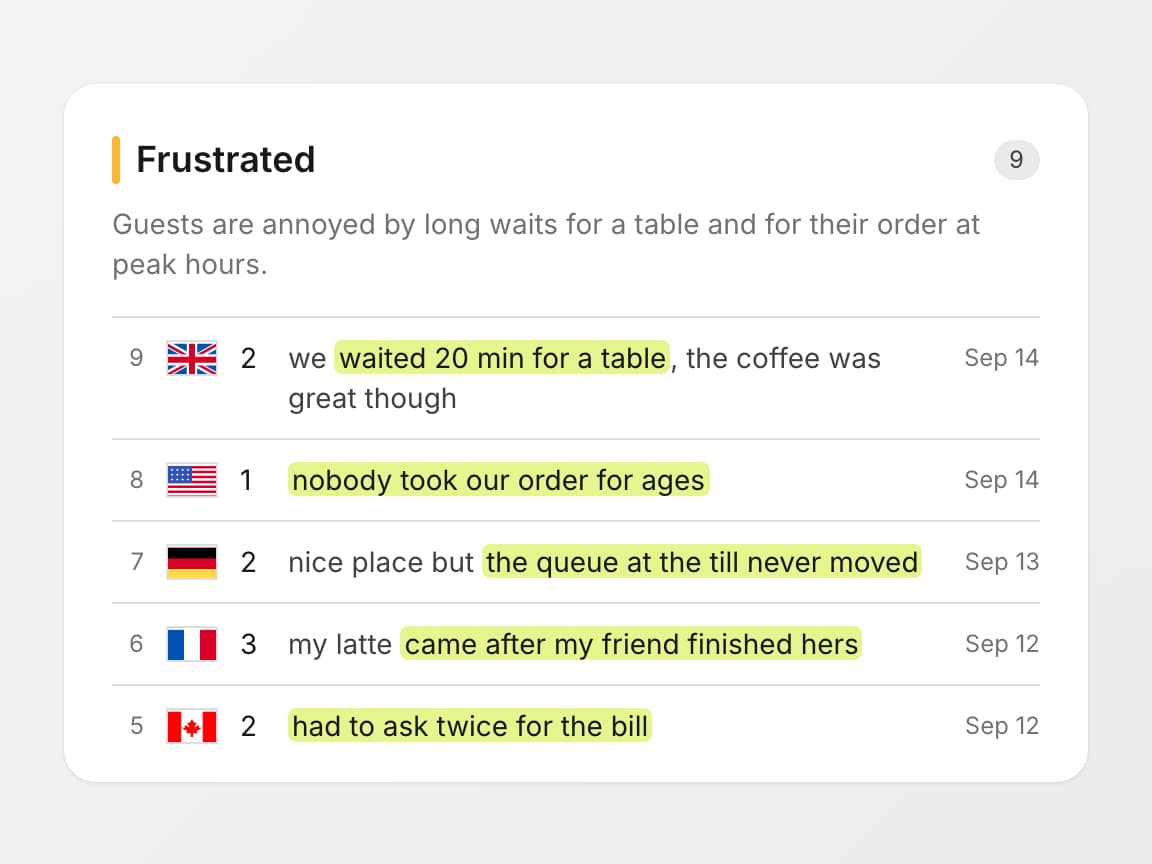
Sentiment analysis
A code by the till or inside a parcel collects comments from people you will never talk to again. Sentiment analysis reads each score together with its comment.
AI tags emotions such as Frustrated or Delighted and attaches the exact quote behind each one.
- Each emotion collects all its quotes in one place
- Comments in any language, analysis in the one language your team picks
- Weekly email tells you whether people are getting happier or less happy
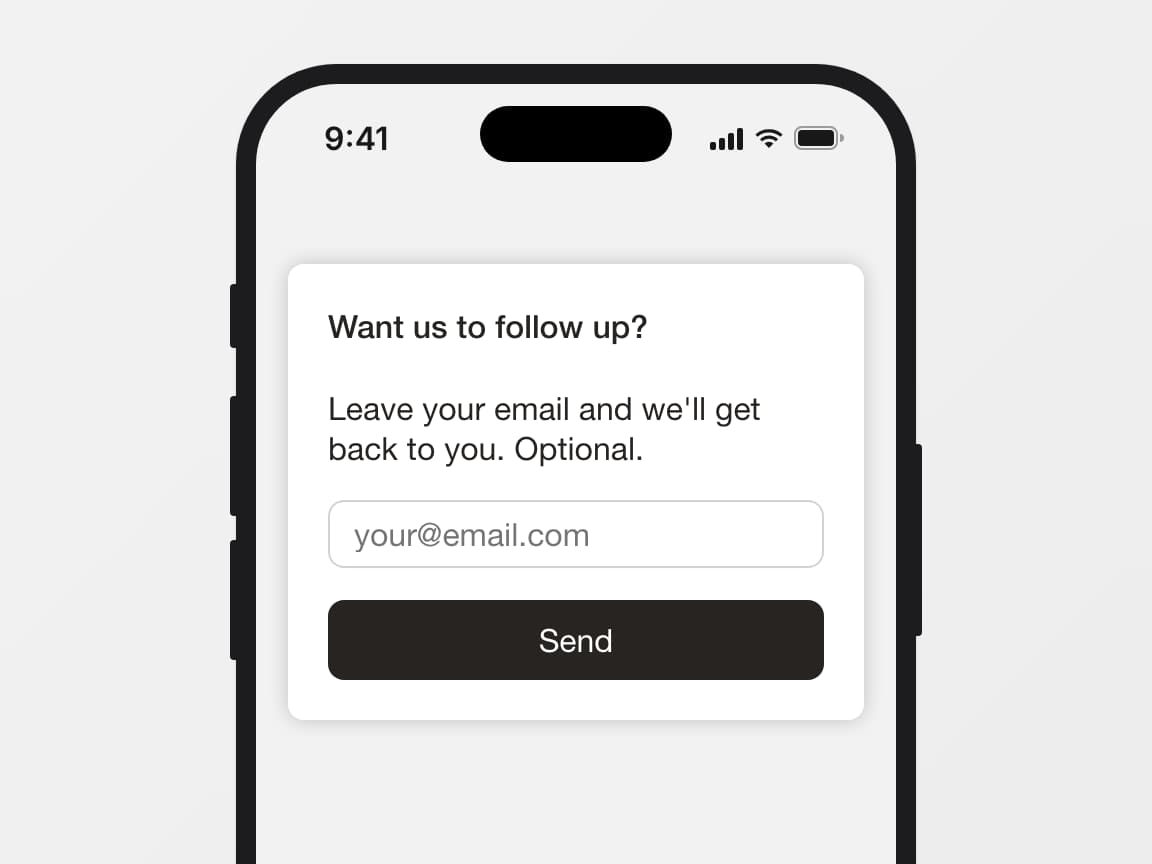
Anonymous unless they choose otherwise
Responses through the QR code are anonymous, and people answer without signing up or installing anything.
After the follow-up, an optional contact step asks “Want us to follow up?” with an email field and a Skip button. If the person leaves an email, you see it on that response. If you do not need it, turn the step off for that survey.
- Anonymous by default
- Contact step is optional and can be turned off per survey
- Question, subtext and buttons are editable and translatable
Print once, edit later
The code holds a link to the survey, not a copy of the questions.
Every scan opens the survey as it stands that day, so table tents printed in spring still work after you rewrite the question, swap the scale or add a language.
Where a feedback QR code fits
Put the code where the experience ends, and ask one question while it is still fresh
Card in the box
The parcel is open and the customer is holding the product. A card with a feedback QR code catches that moment.
An angry customer writes to you instead of writing a public review.
Booth at an event
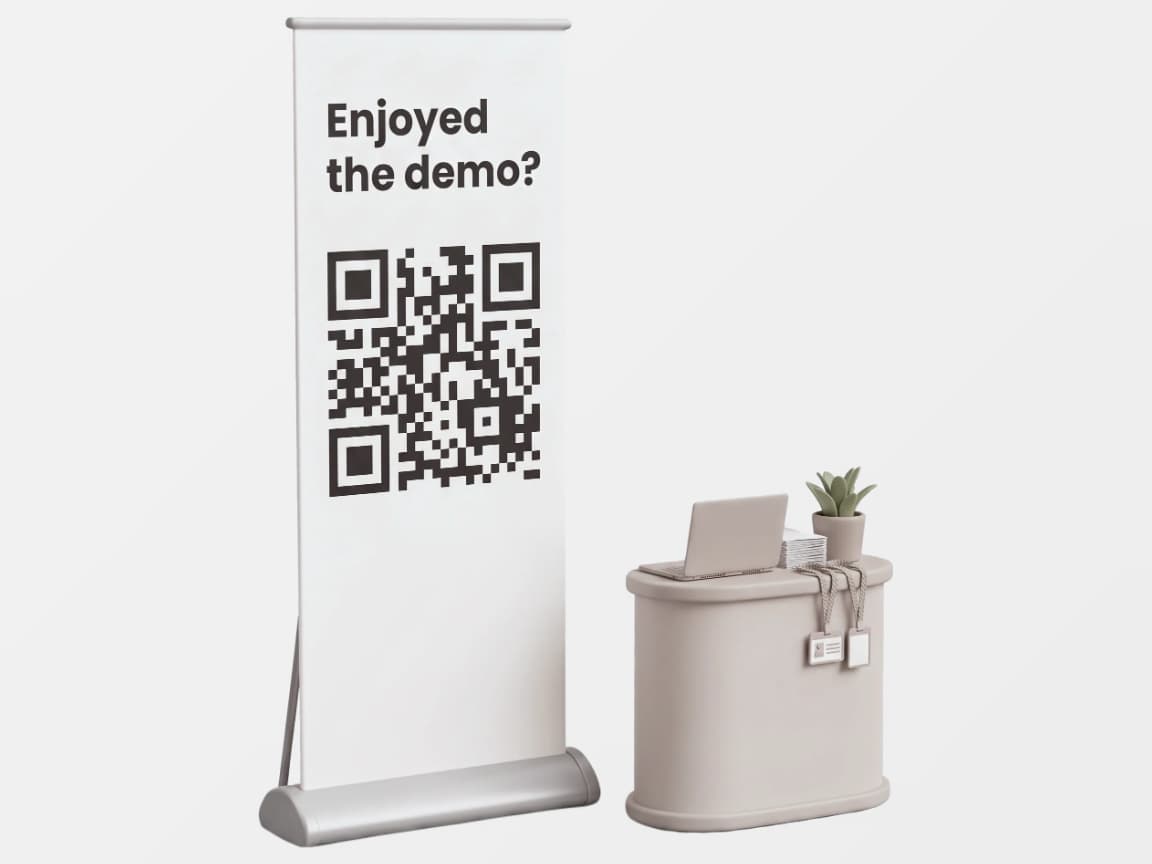
Visitors talk for two minutes and walk off. A code on the banner or the demo screen lets them answer on the way out.
Reception or front desk
At a clinic or a hotel, the visit ends at the front desk. A code on the counter gets an answer before people walk out, in the language of their phone.
Table in a cafe or restaurant
A restaurant feedback QR code on the table or the receipt gets an answer before the guest leaves, not a public review the next day. It takes the guest a few seconds.
All your feedback in one place
A real-time pulse on what users think, and an automated priority list of what to fix first

Satisfaction score
One clear number that shows how users feel about your product and whether satisfaction is improving over time.
Spot trends in requests
See which features users keep asking for and which bugs are causing the most frustration, so you know exactly where to focus your efforts.
FAQ
Will my printed QR code keep working if I edit the survey?
Yes. The code holds a link that has nothing to do with what is inside the survey. Rewrite the questions, change the design or add a translation: the next scan shows the new version.
A content edit never requires a reprint. The only thing that changes the link is regenerating it yourself.
Do people need an app, an account or an email to answer?
No. Any phone camera opens a plain browser page with only the survey on it, and people answer right away.
Responses are anonymous. The one exception is the optional contact step, where a person can type an email by choice. Your team can turn that step off.
What happens if I regenerate the link or close access?
Regenerate gives the survey a new link, and the old one stops working immediately. The QR code encodes the link, so download the new code and print it again. Close access turns the link off completely, with nothing in its place.
Both are useful when a photo of the code ends up somewhere it should not be.
Which survey types work with a QR code?
Ask how likely people are to recommend you, on a scale of 0 to 10. Ask how happy they are with a visit, on a scale of five faces. Ask a plain yes or no question. Or ask an open question and let people answer in their own words.
After the rating you can ask one more question about the reason, and ask for an email if you want to write back. The scale can show emoji, stars, numbers or thumbs.
Will visitors see the survey in their language?
Yes, once you add translations. The page follows the language of the phone's browser, with 50 languages available. A visitor whose language has no translation sees the base language.
Does it cost extra, and is there a limit on responses?
No extra cost. QR codes are part of the single plan, and responses are unlimited. An event with 2,000 responses costs the same as one with 20.