
React Feedback Surveys
Free, MIT-licensed React survey components for CSAT, NPS, and CES. No backend or account needed: responses go to your own code.
npm i react-feedback-surveys- MIT licensed, commercial use too
- Free and open source
- Responses go to your own backend
- Tiny bundle, zero dependencies
- Mobile-ready, your CSS overrides the defaults
Installation
Install the package using npm:
npm i react-feedback-surveysor yarn:
yarn add react-feedback-surveysPrompt
Paste into Cursor, Claude Code, or any coding agent:
Add the "react-feedback-surveys" library to this project to collect user feedback.
Read the docs at https://feedback.tools/react-feedback-surveys/docs first, then:
1. Install it: npm i react-feedback-surveys
2. Import the styles once: import 'react-feedback-surveys/index.css'
3. Ask me which survey I want: CSAT (2 or 5 points), NPS (0–10), CES (7 points), or general (text feedback only, no rating).
4. Render <Survey> with these props so it type-checks:
   - type: "csat", "nps", "ces", or "general"
   - points: 2 or 5 (CSAT only)
   - scaleStyle (not for general): CSAT 5 "emoji", "stars" or "numbers"; CSAT 2 "emoji" or "thumbs"; NPS and CES "numbers"
   - question (not for general) and thankYouMessage
5. In the Next.js App Router, render it from a Client Component ('use client').
6. Wire up onScoreSubmit and onFeedbackSubmit to send responses to my backend.
Usage
import { Survey } from 'react-feedback-surveys';
import 'react-feedback-surveys/index.css';

<Survey
  type="csat"
  points={5}
  scaleStyle="emoji"
  question="How would you rate your satisfaction with our product?"
  minLabel="Very unsatisfied"
  maxLabel="Very satisfied"
  responseType="text"
  textQuestion="We'd love to hear your thoughts. What can we improve?"
  textButtonSendLabel="Send"
  textButtonSkipLabel="Skip"
  thankYouMessage="Thanks for your feedback!"
  onScoreSubmit={({ value }) => {/* ... */}}
  onFeedbackSubmit={({ value, text }) => {/* ... */}}
/>Capture survey responses using the onScoreSubmit callback for ratings and onFeedbackSubmit for follow-up text or choices.
Make it look like your product
Restyle colors, shapes, fonts, and every part of the widget from your own CSS. The markup and the step flow stay the same, so one survey fits a developer tool, a store, or a kids app.
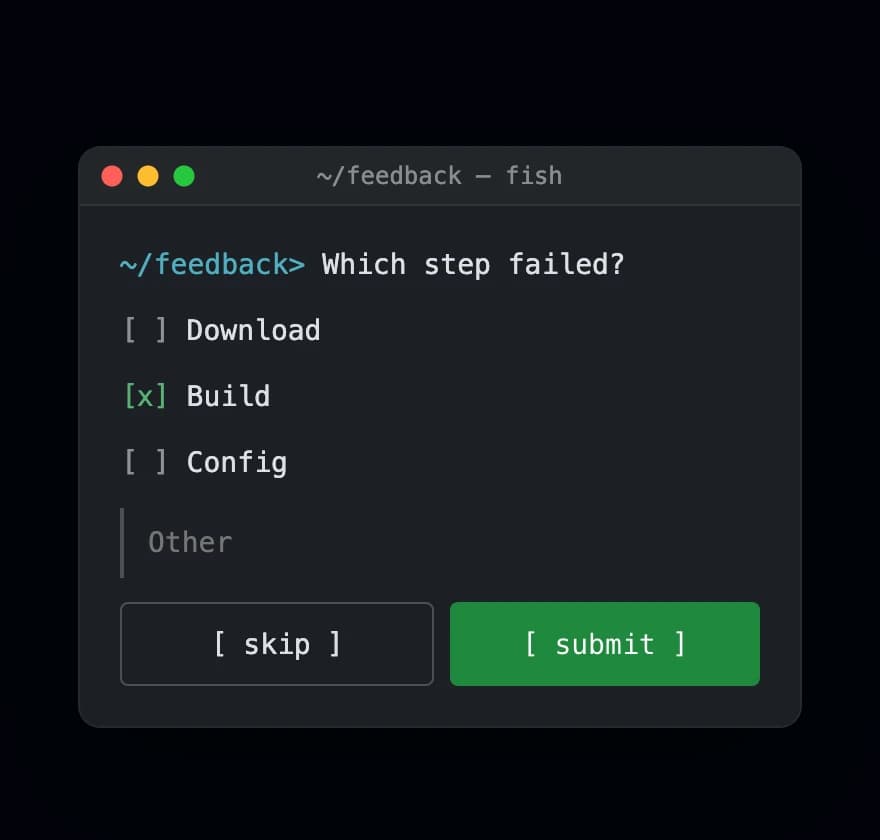 TerminalDeveloper tools, CLIs, API platforms
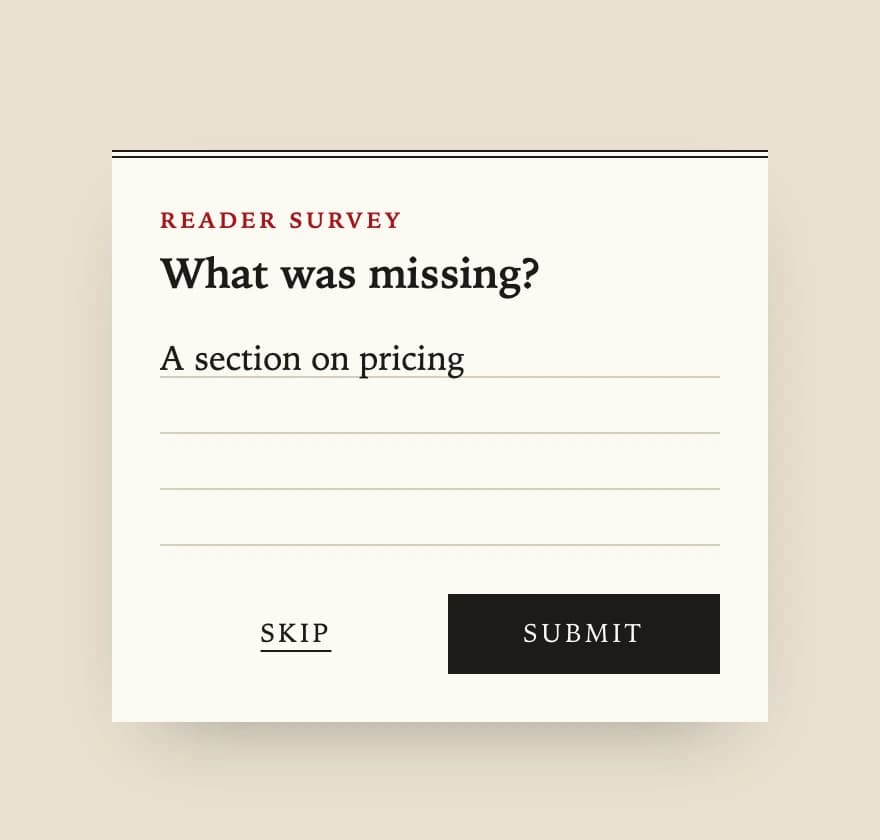 EditorialBlogs, media, documentation
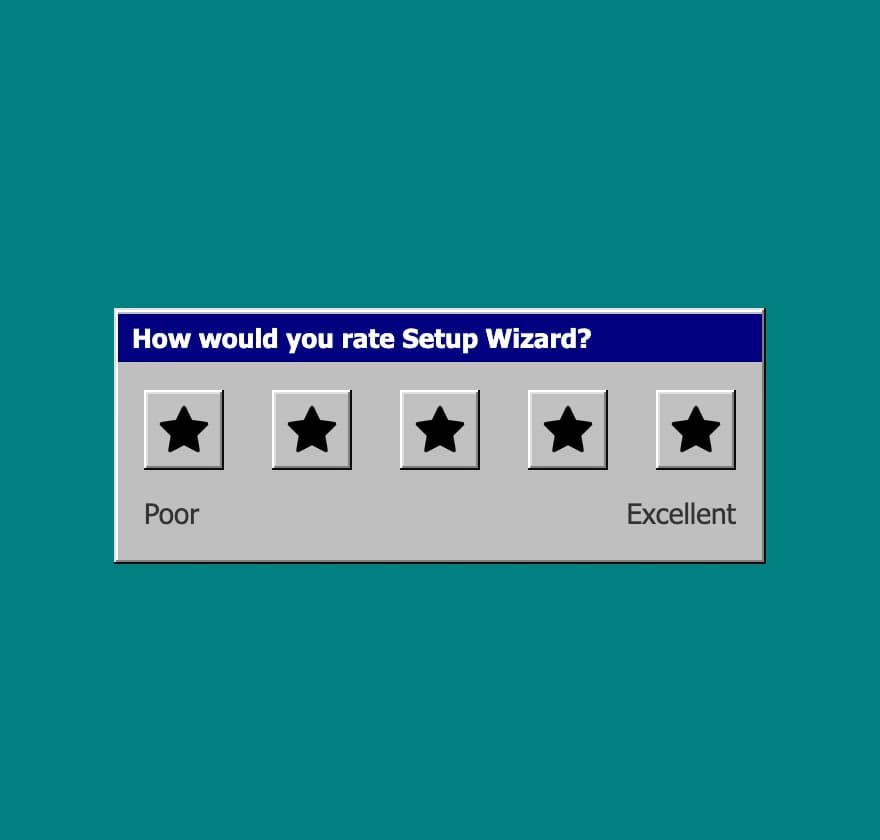 Retro OSPromo campaigns, nostalgia marketing, games
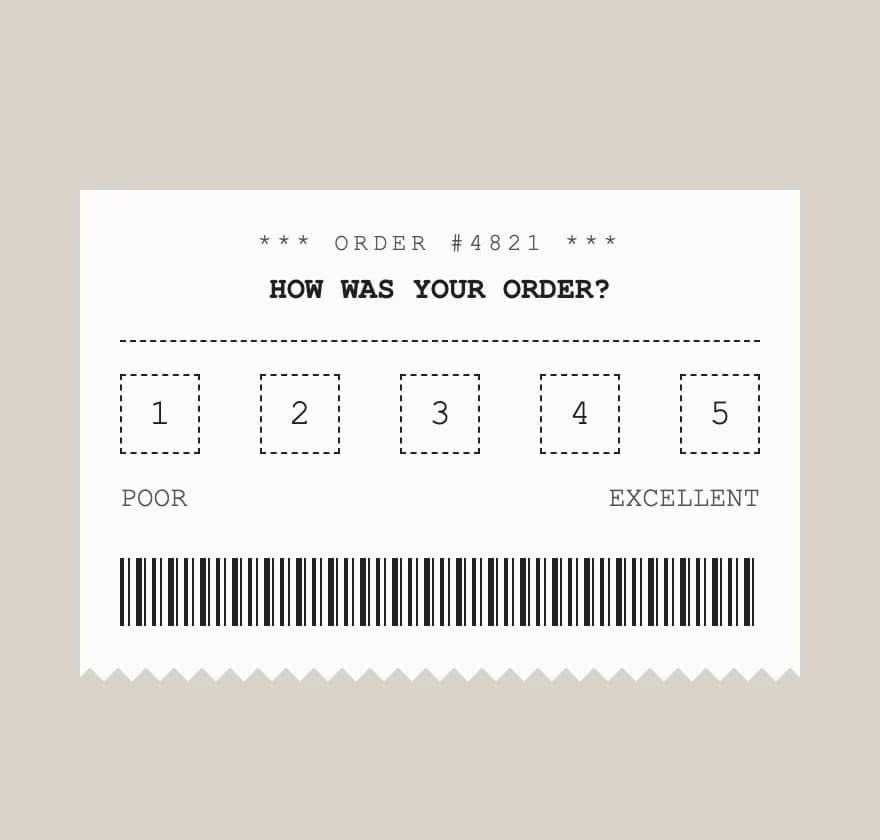 ReceiptAfter a purchase: e-commerce, food delivery, restaurants
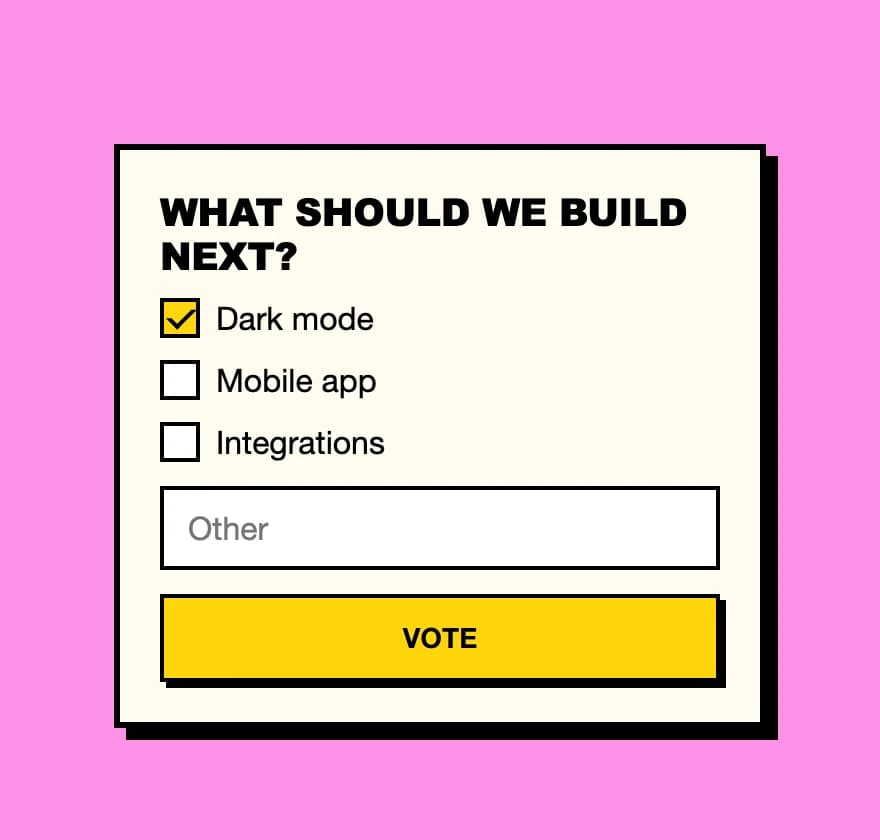 BrutalIndie products, creative studios, portfolios
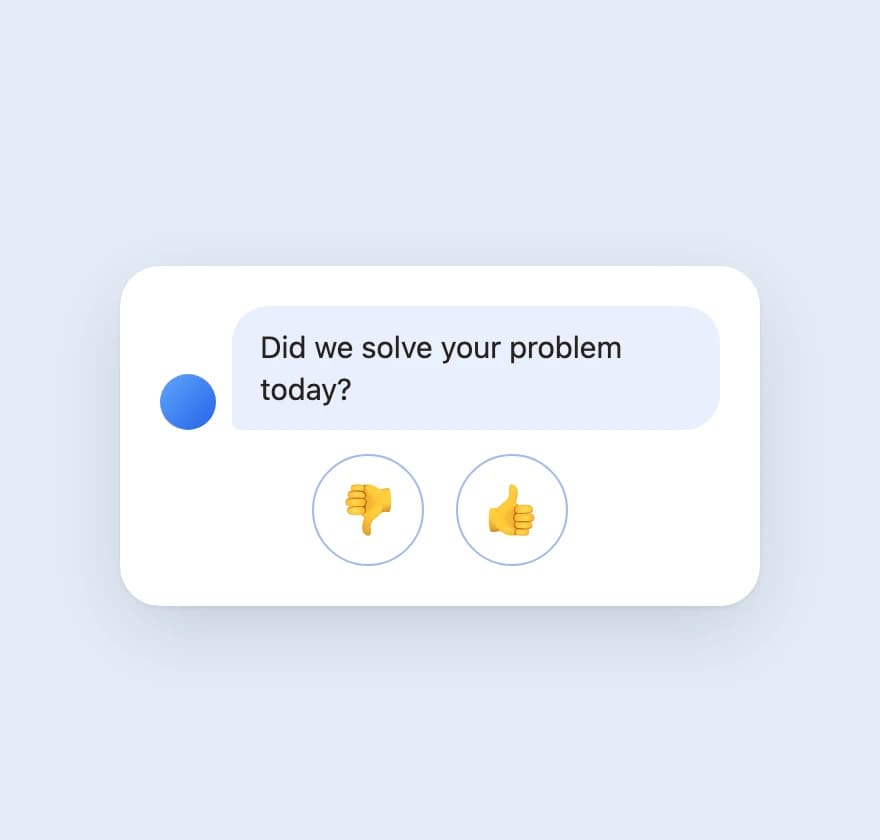 ChatSupport chats, help centers
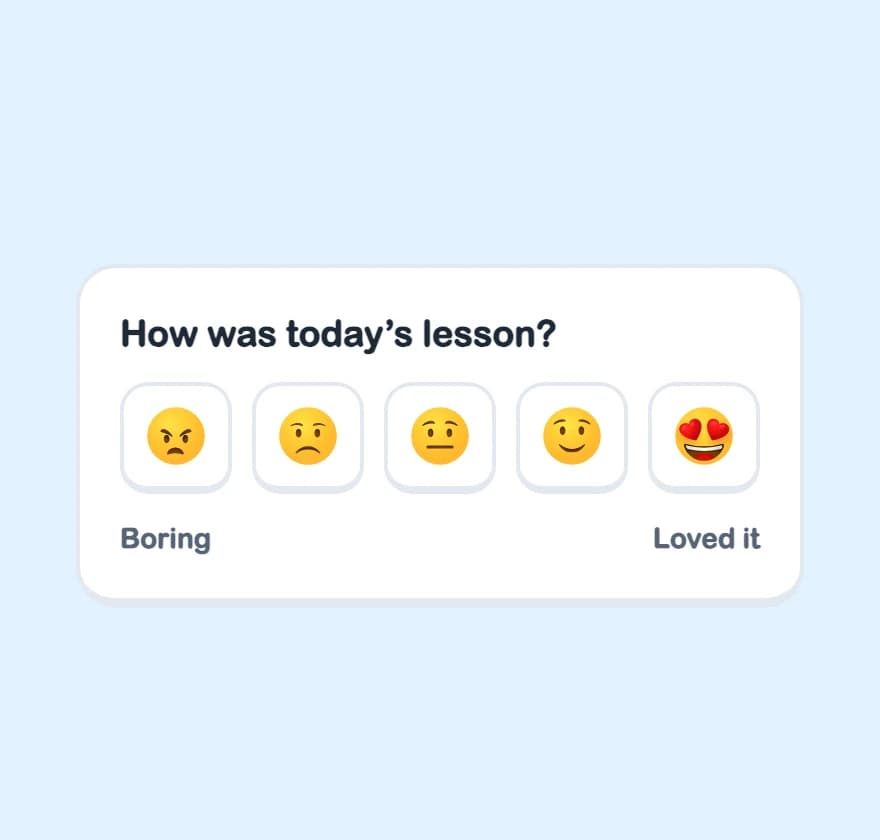 PlayfulLearning apps, consumer apps, gamification
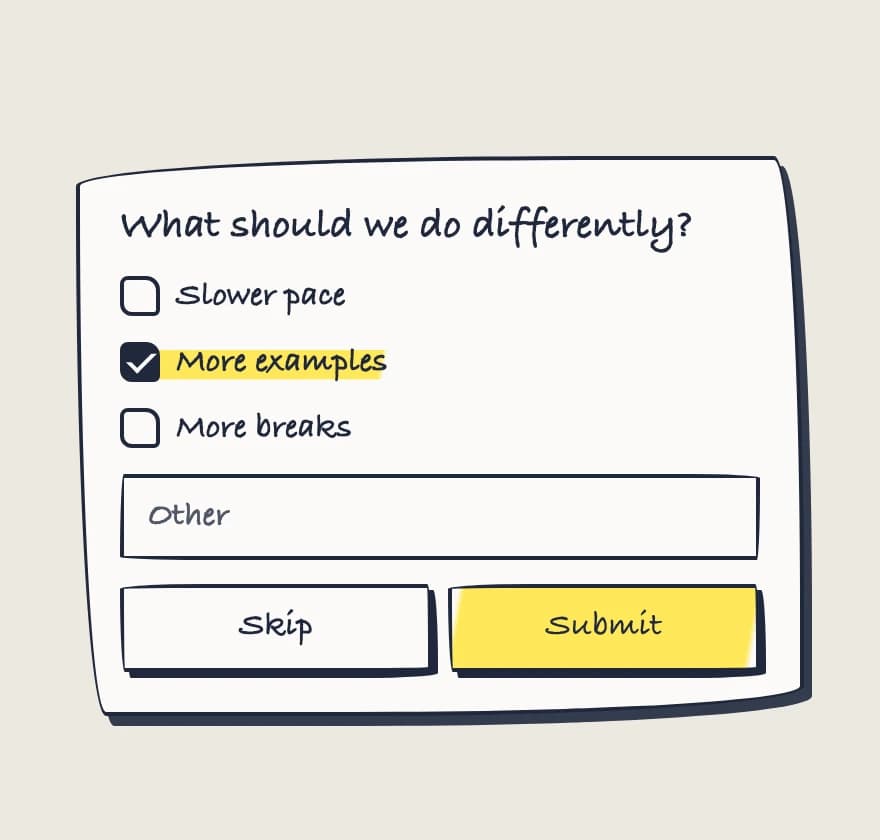 PaperNotes, education, kids products
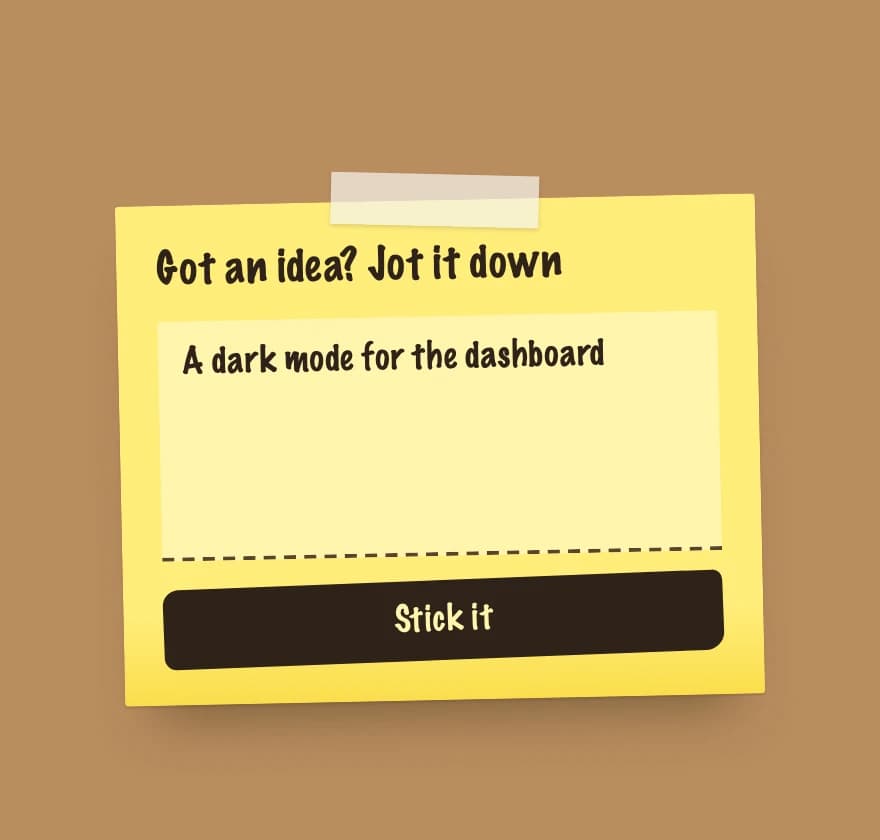 Sticky noteIdea boards, suggestion boxes, team retros
Features
General feedback
A text-only survey with no rating scale. Use it for a "Send feedback" or "Report a problem" button.
Multiple scale styles
Choose between emoji, stars, numbers, or thumbs for ratings. Different questions work better with different formats.
Flexible placement
Embed surveys inline with your content or show them as a popup in any corner of the screen.
Follow-up feedback
Add a text or multiple choice question after the rating to get context on scores. Optionally collect an email and let respondents attach a screenshot.
Themes and deep customization
Light, dark, and auto themes are built in. Restyle colors, shapes, fonts, and every part from your CSS. Browse the style catalog for ready-made looks.
Localization and RTL
Every visible text is a prop you set. Translate the screen-reader labels and switch the layout to right-to-left.
TypeScript support
Built with full type support for autocomplete. Invalid prop combinations fail type checking.
Next.js and SSR
Works with server rendering and the Next.js App Router: render a survey from a Client Component. The auto theme shows no flash on load.
FAQ
Do I need a backend?
No. The library renders the survey and stores nothing. It passes each answer to your onScoreSubmit and onFeedbackSubmit handlers, and you send it to your own backend, an analytics tool, or nowhere at all.
Does it work with Next.js?
Yes. The components use React hooks, and the package has no 'use client' directive, so in the App Router render a survey from a Client Component. Server rendering works.
Does it support dark mode?
Yes. Set theme to light, dark, or auto on the Popup or Surface component. The auto theme follows the visitor's system color scheme in pure CSS, so there is no flash of the wrong theme.
Can I style it with Tailwind CSS?
Yes. Pass utility classes to single parts with the classNames prop. With Tailwind CSS v4, import the library styles into the components layer from your CSS entry, so utilities win over them. See the styling docs.
What license is it under?
MIT. The library is free for personal and commercial projects, with no account and no signup.
How is it different from the feedback.tools SDK?
The library is a free UI kit: you render surveys in your React code and handle the answers yourself.
The feedback.tools SDK is part of the hosted platform. It shows surveys you create in the dashboard, stores responses, and analyzes them with AI. The SDK already includes the same survey UI, so SDK users don't install this library.