Surveys for Wix
Free Wix app with three surveys: post-purchase CSAT, how did you hear about us, and one question on any page.
We just shipped a Wix app, Feedback Surveys. It takes the same approach as our Shopify app: a separate app built into the Wix dashboard, so surveys and answers live in your site's admin. It asks site visitors and buyers a question and shows the answers next to the orders.
The app is free for every site, and it collects as many responses as your visitors give.
Three surveys
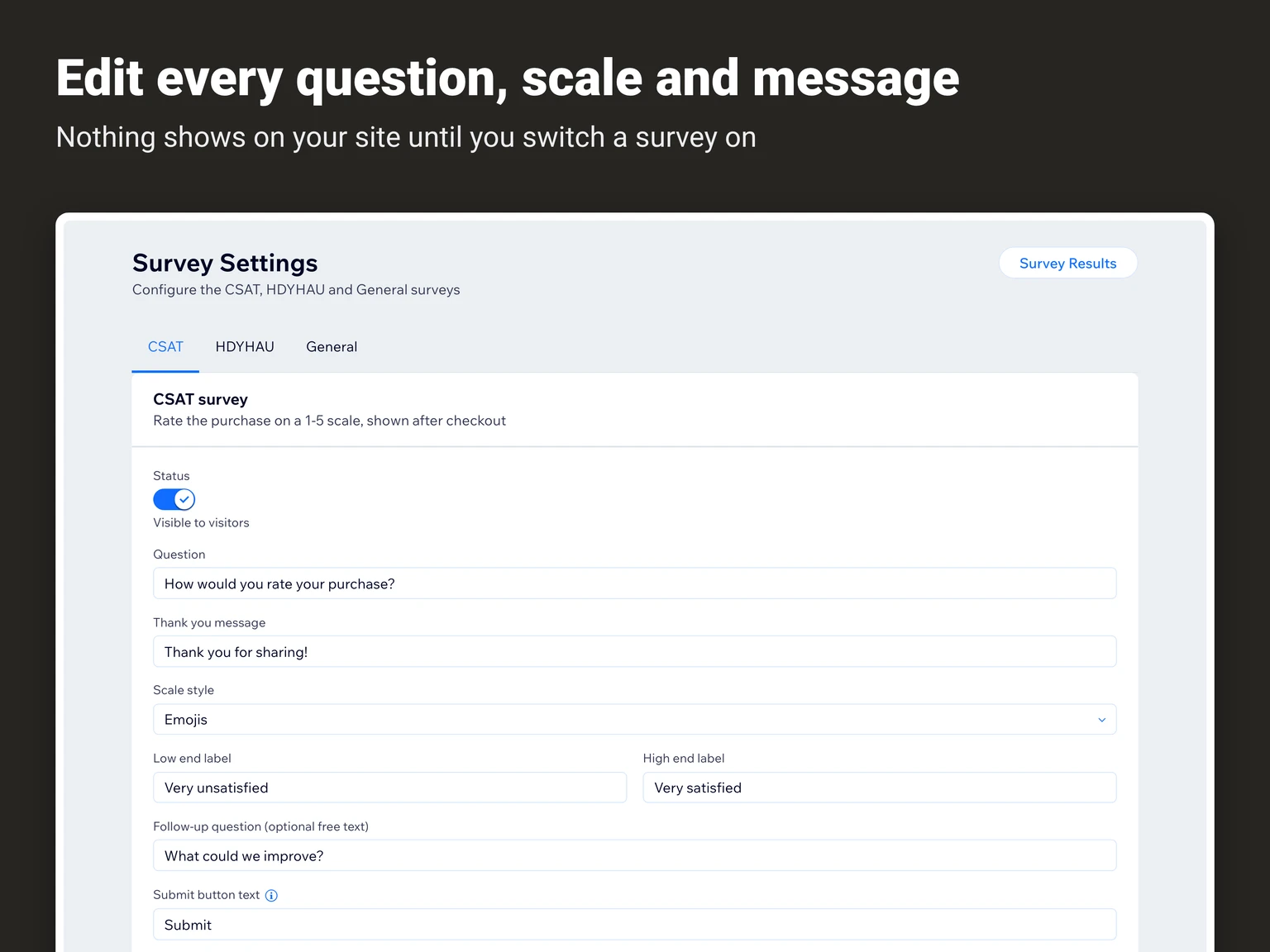
Each survey is created as a Draft and appears on the site only after you set it to Active. The question and the thank-you message are editable in all three.
CSAT after checkout
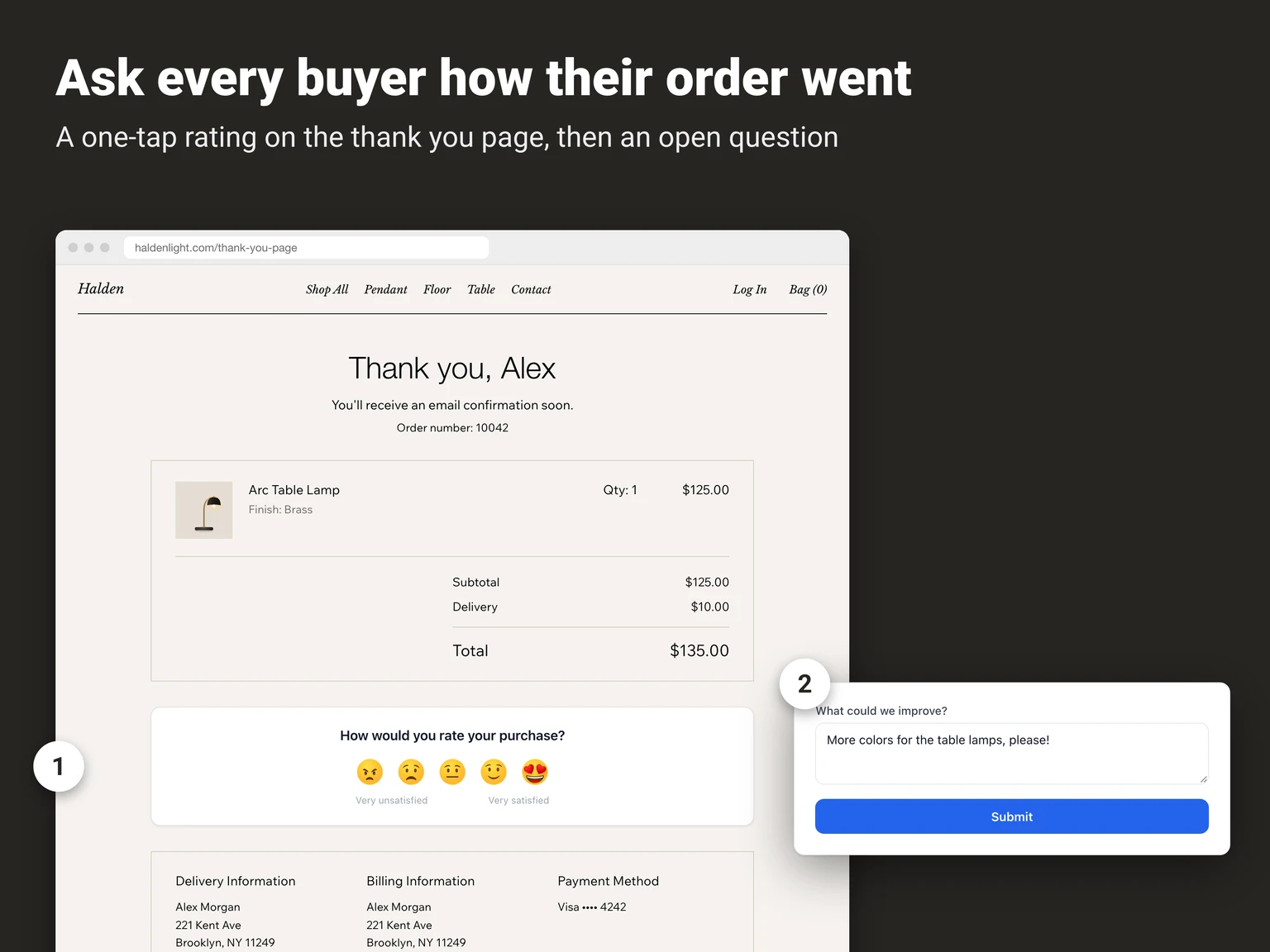
The first survey asks buyers how satisfied they are, on the Thank You page right after checkout. The rating is 1-5, shown as emoji, stars, or numbers. The labels at both ends of the scale can be rewritten. An optional open question follows the rating, so a buyer who picked 2 can say why.
"How did you hear about us?"
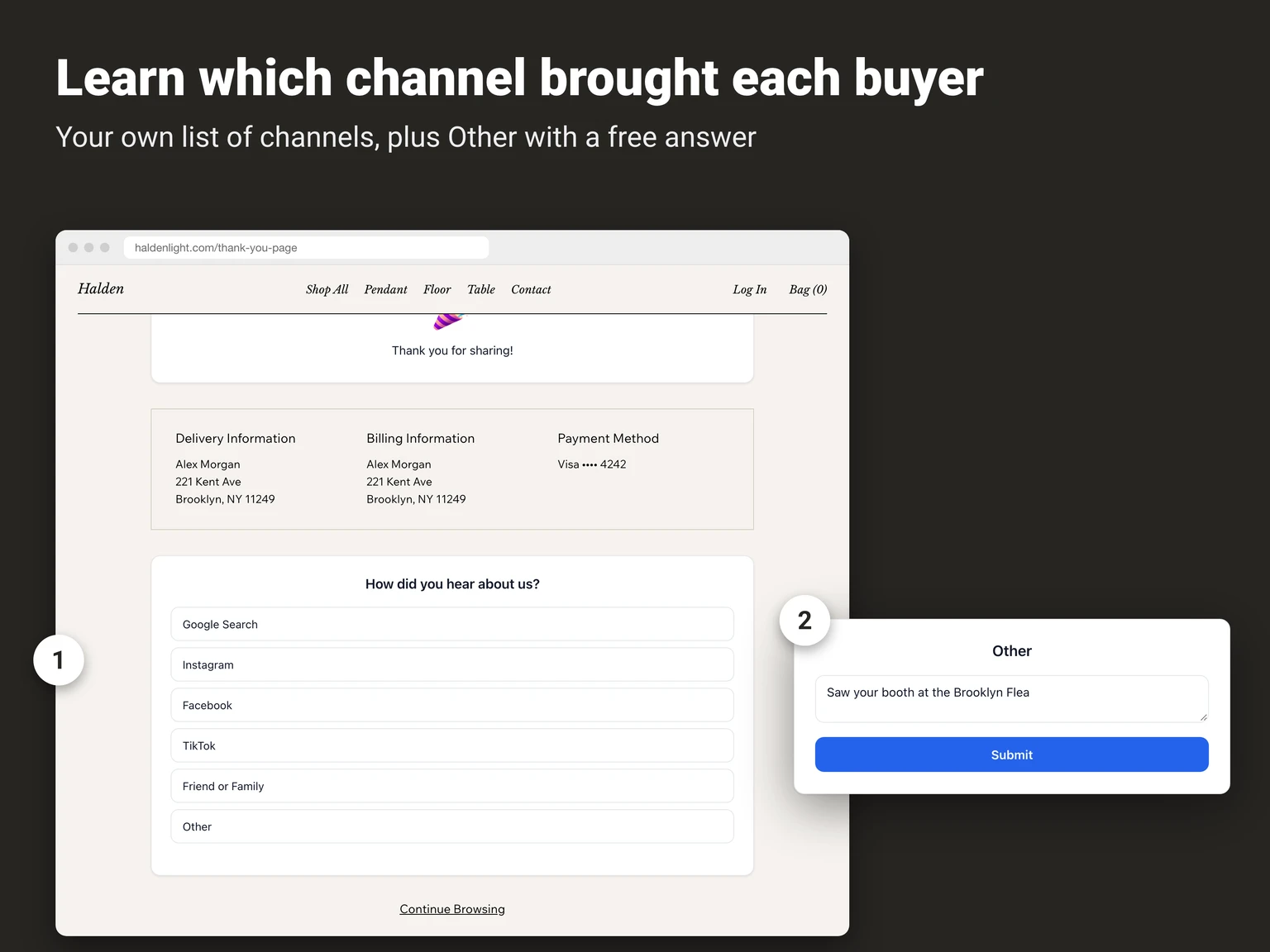
The second survey also lives on the Thank You page. You write your own answer options and put them in the order you want; the buyer picks one. An optional "Other" choice adds a free-text field for a channel that is not on the list. For option sets by industry, see How Did You Hear About Us? Options.
One question on any page
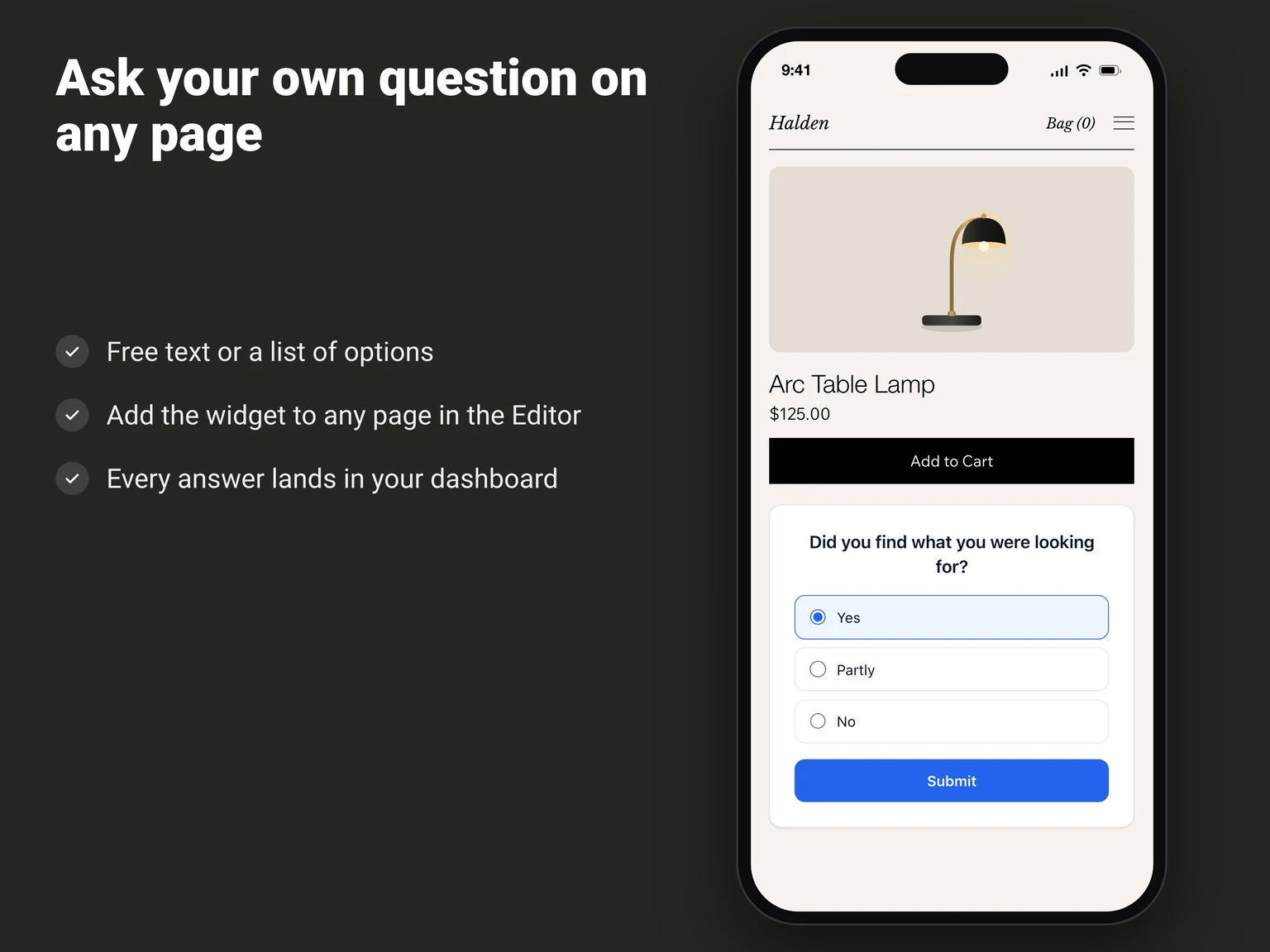
The third survey is a widget you add to any page in the Wix Editor: a landing page, a blog post, a help page. The answer is either free text or one option from a list you define.
Installing
The CSAT and "How did you hear about us?" surveys place themselves on the Thank You page. If the block is missing, Survey Settings has an "Add to Thank You Page" button that puts it there. Everything is set up from the app dashboard. The two thank-you surveys sit in the checkout flow, so they need Wix Checkout & Orders, which means the site has to have a store. The general survey is placed in the Wix Editor on whatever page you choose.
Results
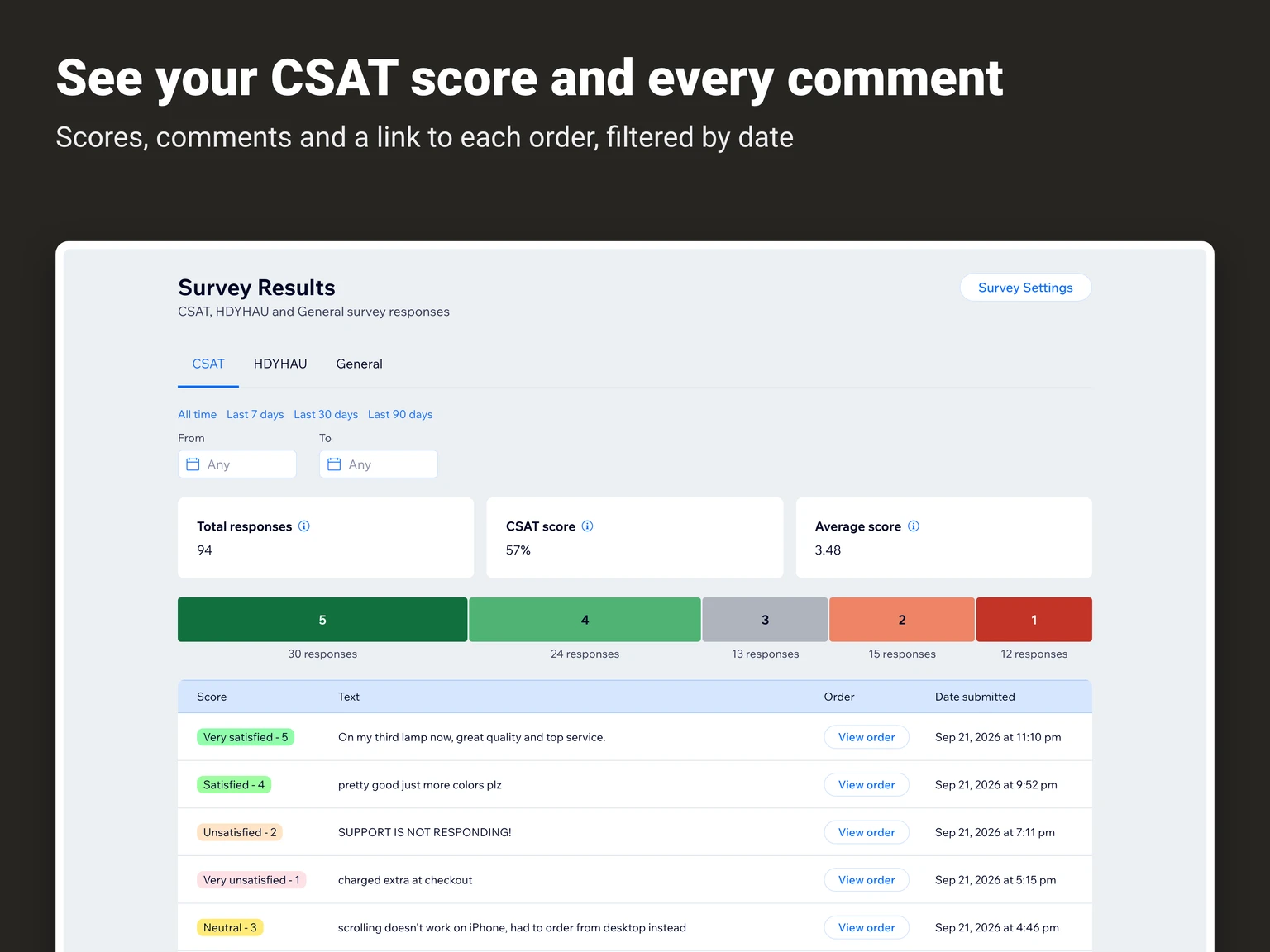
"Survey Results" in the dashboard has a date filter: All time, 7, 30, or 90 days, or a custom range. For CSAT it shows total responses, the CSAT score (the share of 4 and 5 ratings), the average score, a bar chart by rating, and a table with each comment, its date, and a "View order" link that opens the order. "How did you hear about us?" is shown as a pie chart of channel shares. The general survey shows a table of answers, or a breakdown by option when the question has a list.
Feedback Surveys https://www.wix.com/app-market/integrations755-surveys