
Screenshots in feedback
Respondents can now attach a screenshot of the page to their answer. It shows in the response card, next to the text.
A respondent writes "the export is broken". Which export, on which page, in what state? The text alone often doesn't say, and by the time you ask, they have moved on.
Respondents can now attach a screenshot to their answer. A camera button sits in the corner of the text field, on the feedback step of every survey type.
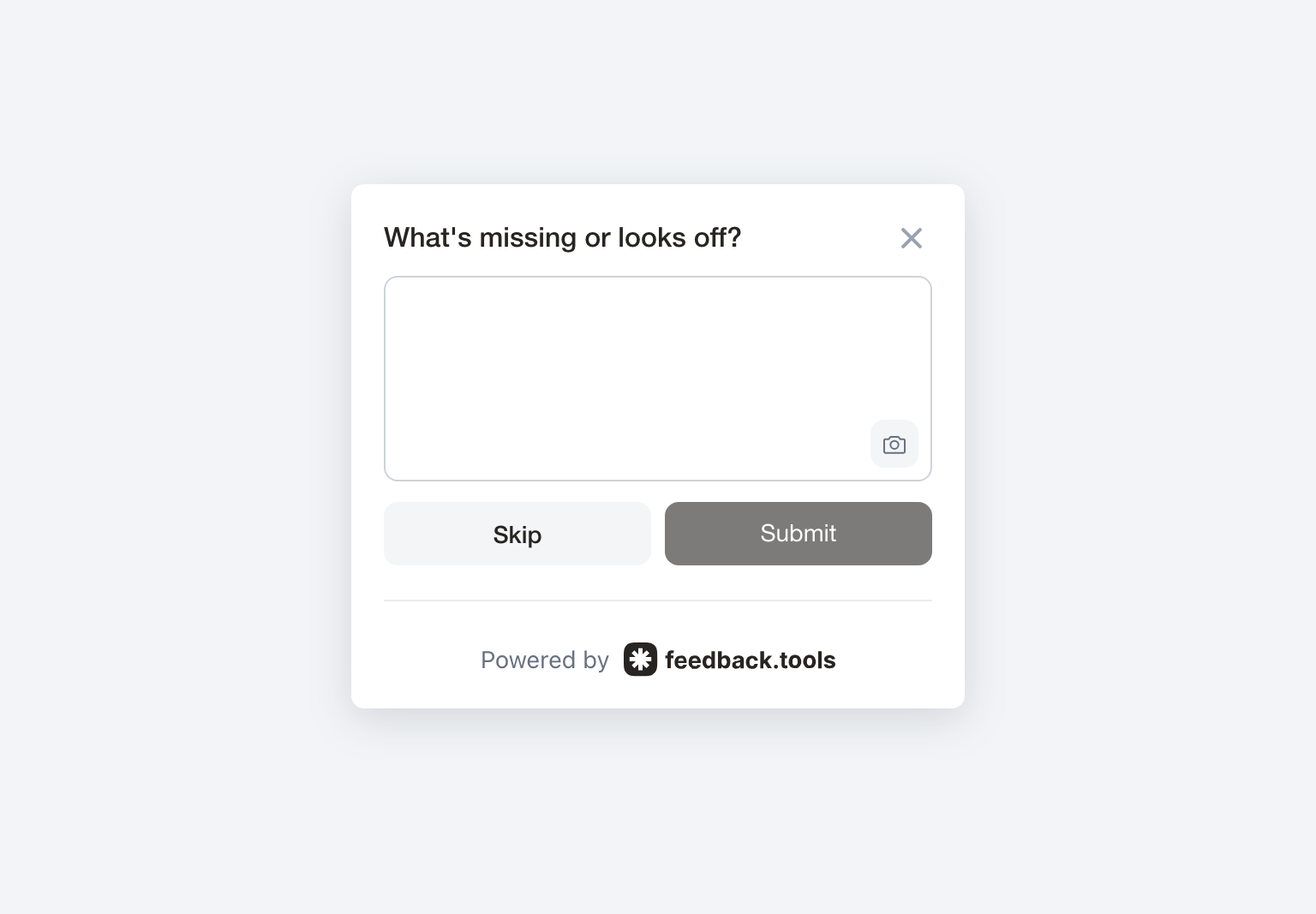
Nothing is captured until the respondent clicks it. A click captures the current page and attaches it to the answer: a thumbnail and the file size appear under the text field. If they change their mind, the cross removes the screenshot before sending. If they never touch the button, the survey works exactly as before.
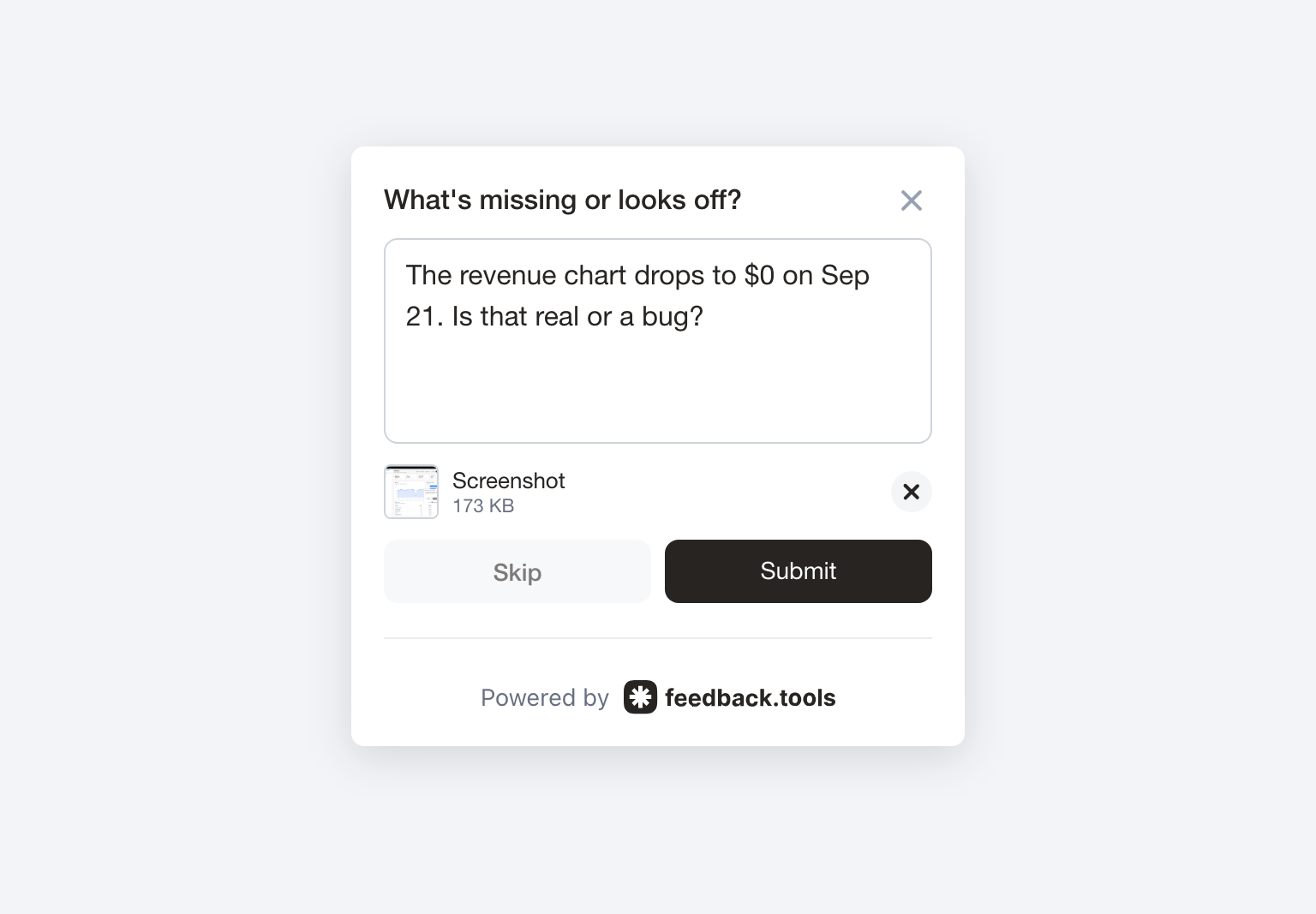
You can try it on the dashboard demo: rate the dashboard, type a message and click the camera button.