
Add feedback manually
Feedback from an email, a chat, or a call can now be added to a survey by hand, with attachments and user attribution.
Not all feedback comes through a widget. Some of it lands in a support email, a sales call, or a Slack thread. That feedback used to stay outside the platform, so the analytics never saw it.
Now you can add it by hand. The "Add feedback" button sits in the responses toolbar.
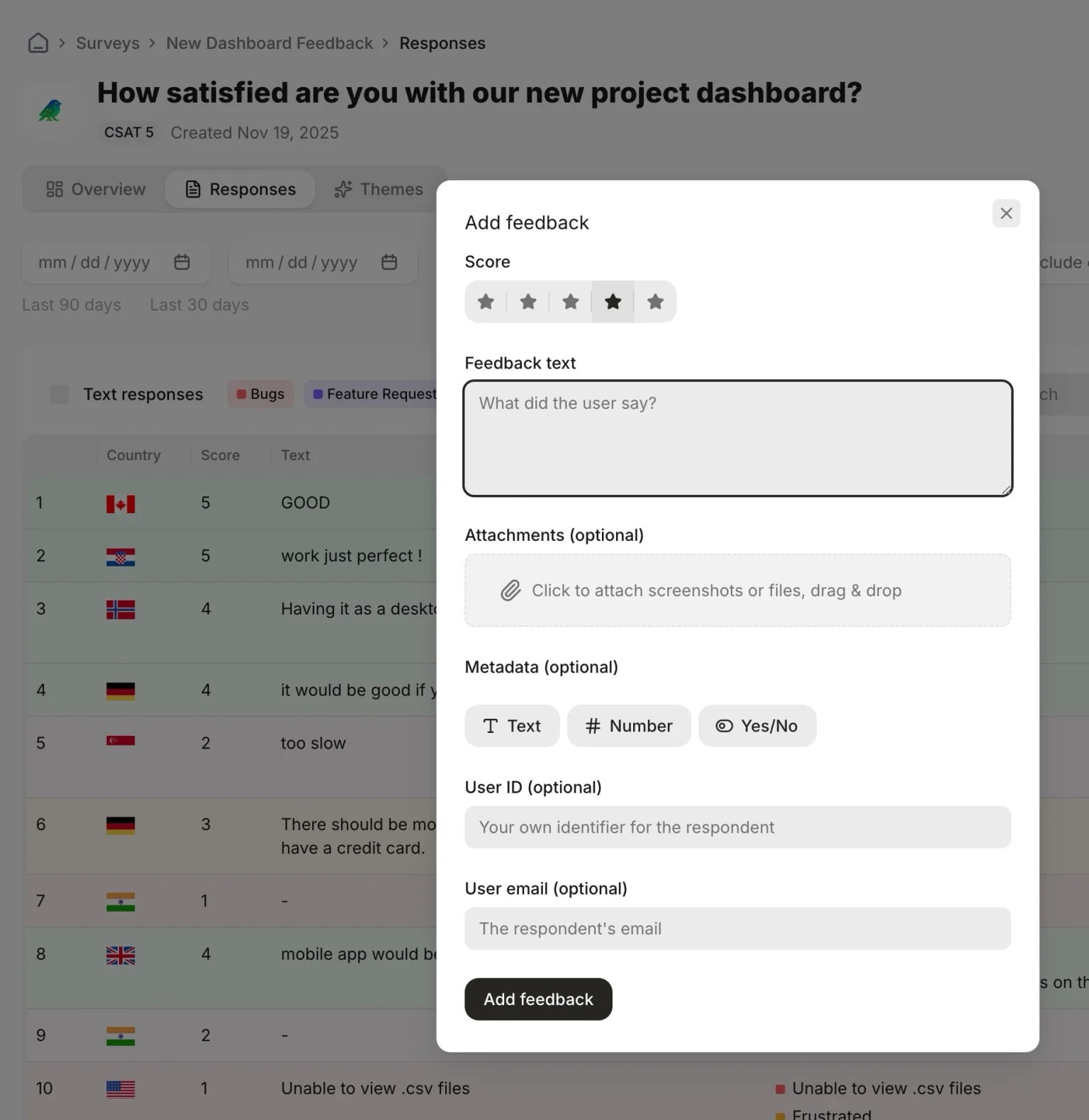
Pick a score, write what the user said, attach a screenshot or a log. Everything else is optional: metadata fields and user attribution. Attachments show up in the response detail view.
The same works outside the dashboard. Our MCP server can import feedback too, so an AI assistant or your own script can push responses from a helpdesk, a CRM, or wherever else feedback piles up. It can read and import, but it can't change or delete anything in your account.