
From popup to QR code
Popup, inline, SDK, API, direct link, QR code. New channels to deliver a survey and collect answers wherever your users are.
A survey works only where your users already are. One script tag doesn't cover that, so we shipped a set of channels.
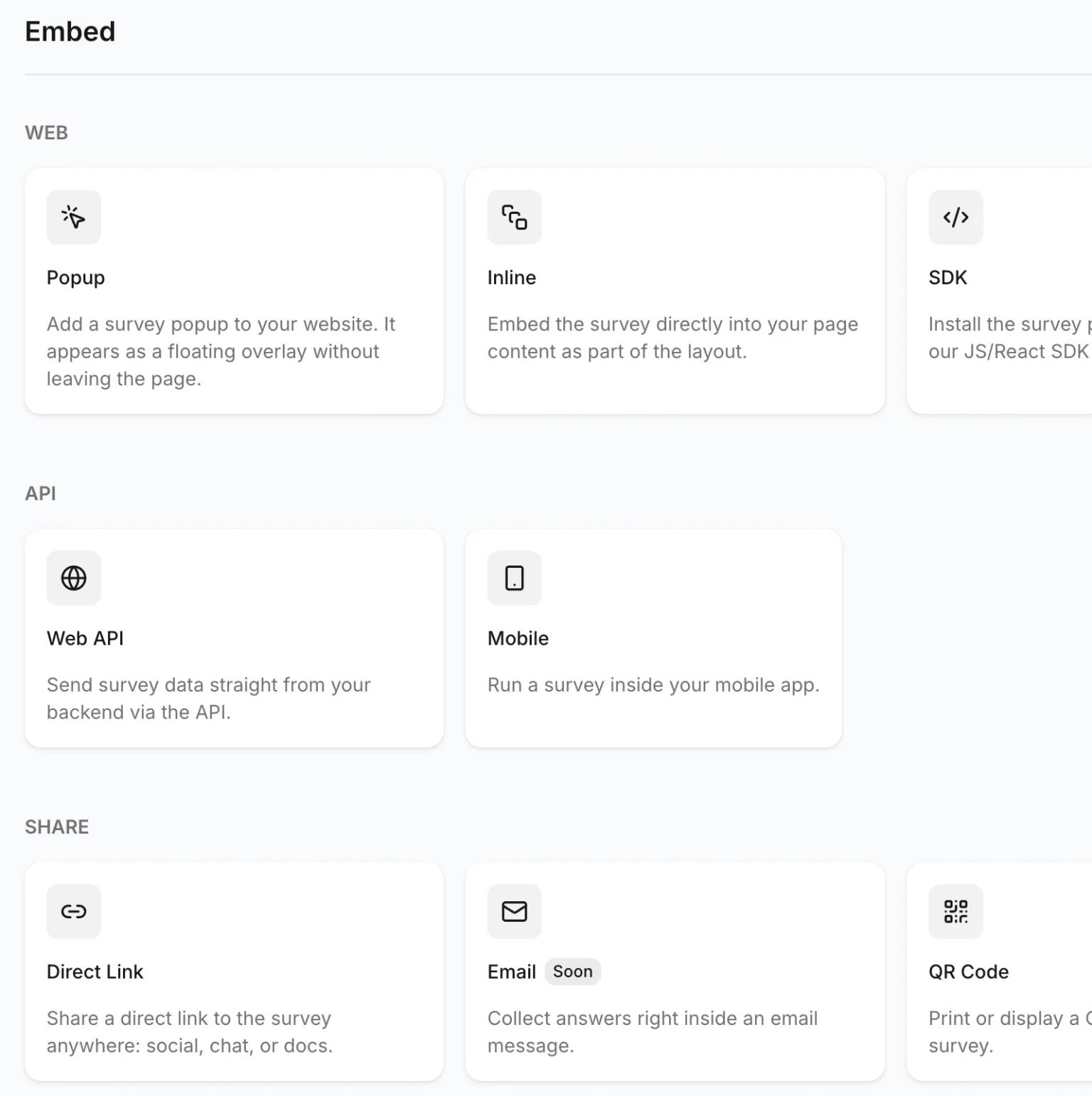
Web
- Popup. A floating overlay on your site. The user answers without leaving the page.
- Inline. A block embedded into the page layout, as part of the content.
- SDK. Our JS/React package if you want to control the widget yourself.
Popup is the one to start with. It runs on triggers, so you decide which pages it appears on and how long a user has to be there first. Inline is for the moments you already know about: the page after checkout, the bottom of a doc, the empty state nobody likes. It sits in the layout and waits.
Both come with a guide for your stack, whether that's plain HTML, React, Next.js, Vue 3, Nuxt 3, PHP, or Shopify.
API
- Web API. Send survey data straight from your backend.
- Mobile. Run a survey inside your iOS or Android app.
The API path has no widget at all. You ask the question your own way, in your own UI, and post the answer to us. That's how you survey inside a mobile app, an email flow, a desktop client, or a support bot.
Snippets are ready in curl, JavaScript, and Python for the backend, Swift and Kotlin for mobile.
Share
- Direct link. A public URL for social, chat, or docs. No code at all.
- QR code. Print it or put it on a screen. Downloads as PNG.
- Email. Answer right inside the message. Coming soon.
Turn on public access and the survey gets a URL you can paste anywhere. Nobody has to install anything, and it works for the cases a widget can't reach: a Slack channel, a newsletter, a packaging insert, a sticker on the table in your cafe.
Every channel comes with a short setup guide and snippets already filled in for your survey.